
One capsule. No toolbars.
There’s no navigation row and no side rail. Seilo floats a single glass capsule over the page, and the page runs underneath it, edge to edge.
-
Read
Scroll down and the capsule shrinks to a slim bar that shows only the site’s name.
-
Come back
Scroll back a little, or tap the bar, and the full controls return. The page doesn’t jump.
-
Move it
Drag the capsule to the top or bottom edge, clear of a site’s own buttons. The one on this page moves too.
-
Hold it
Hold for page actions: share, bookmark, reload, desktop site, Full immersive mode and copy address.
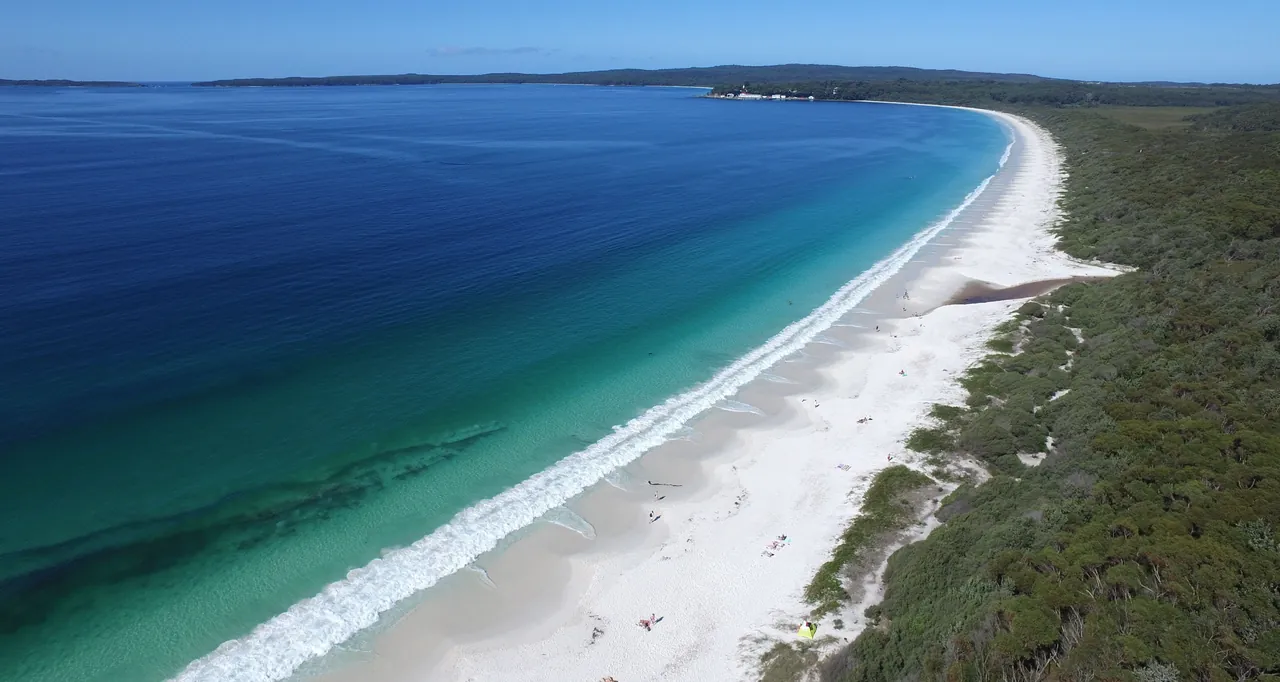
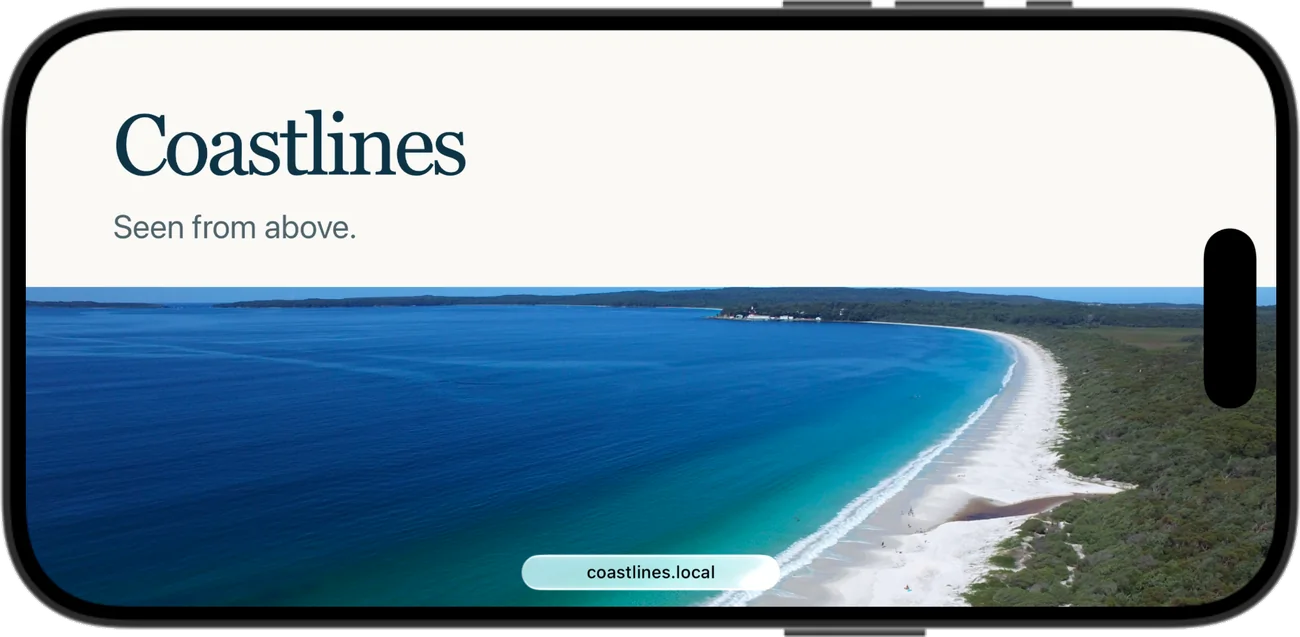
Coastlines
Seen from above.

A pale ribbon of sand follows the water. From above, the shoreline becomes a quiet curve between land and sea.
Blue deepens beyond the shallows. Small waves leave fine white lines along the beach.
Further out, the colour settles into one long blue, broken only by the shadow of a passing cloud.
On the sand, footprints run in loose threads toward the water and back again.
By late afternoon the tide has drawn new lines, and the curve looks almost the same as it did in the morning.
Hyams Beach, Australia. Photo by Marco de Assis on Pexels.
Full immersive mode
Normally Seilo keeps pages clear of the status bar and the camera. Turn on Full immersive mode and the page runs all the way to the edges of the screen, while the controls stay where your thumb can reach them. It works on an empty start page, too.
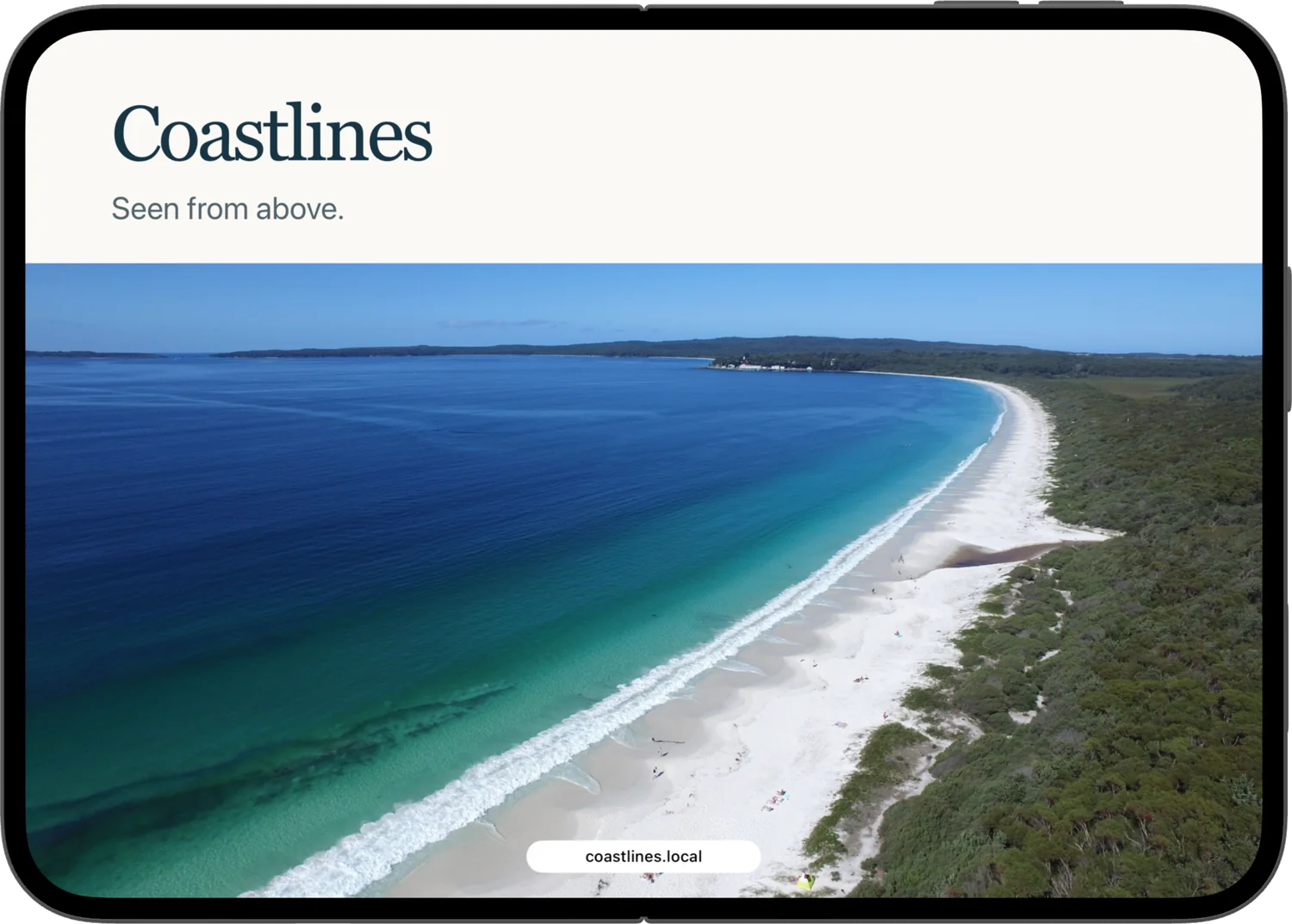
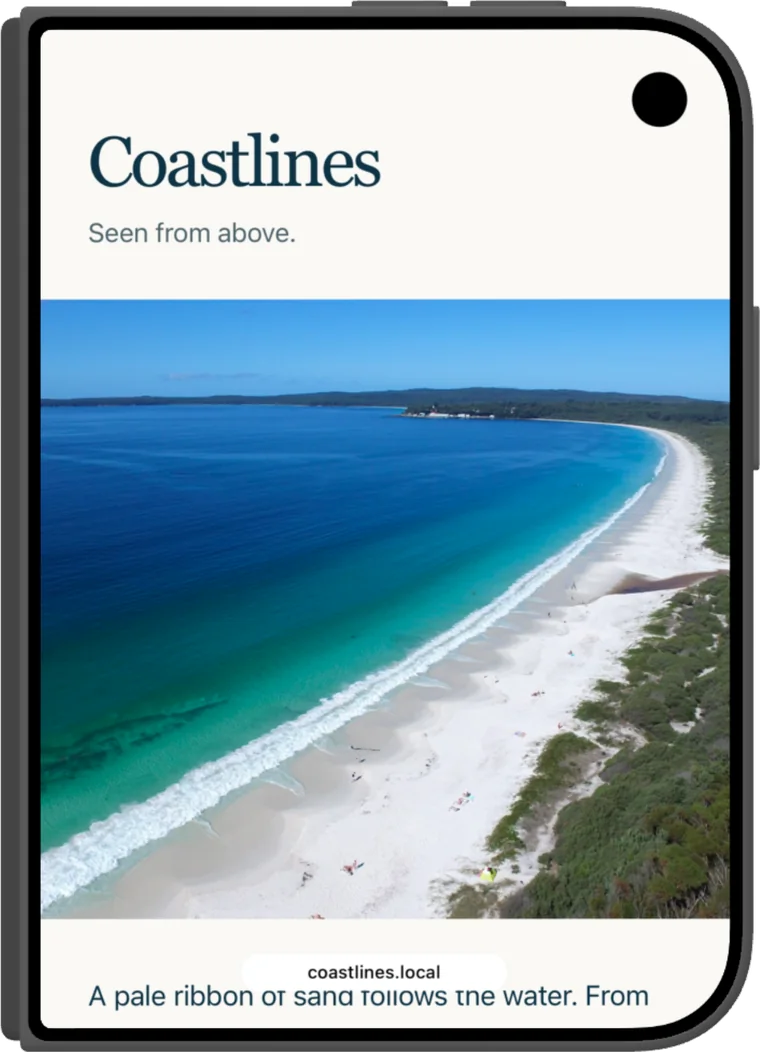
Fold it. Unfold it. Keep reading.
On iPhone Duo, folding or unfolding doesn’t reload the page or lose your place. Seilo keeps the same page and moves only its controls, clear of the camera and the fold.
Coastlines
Seen from above.
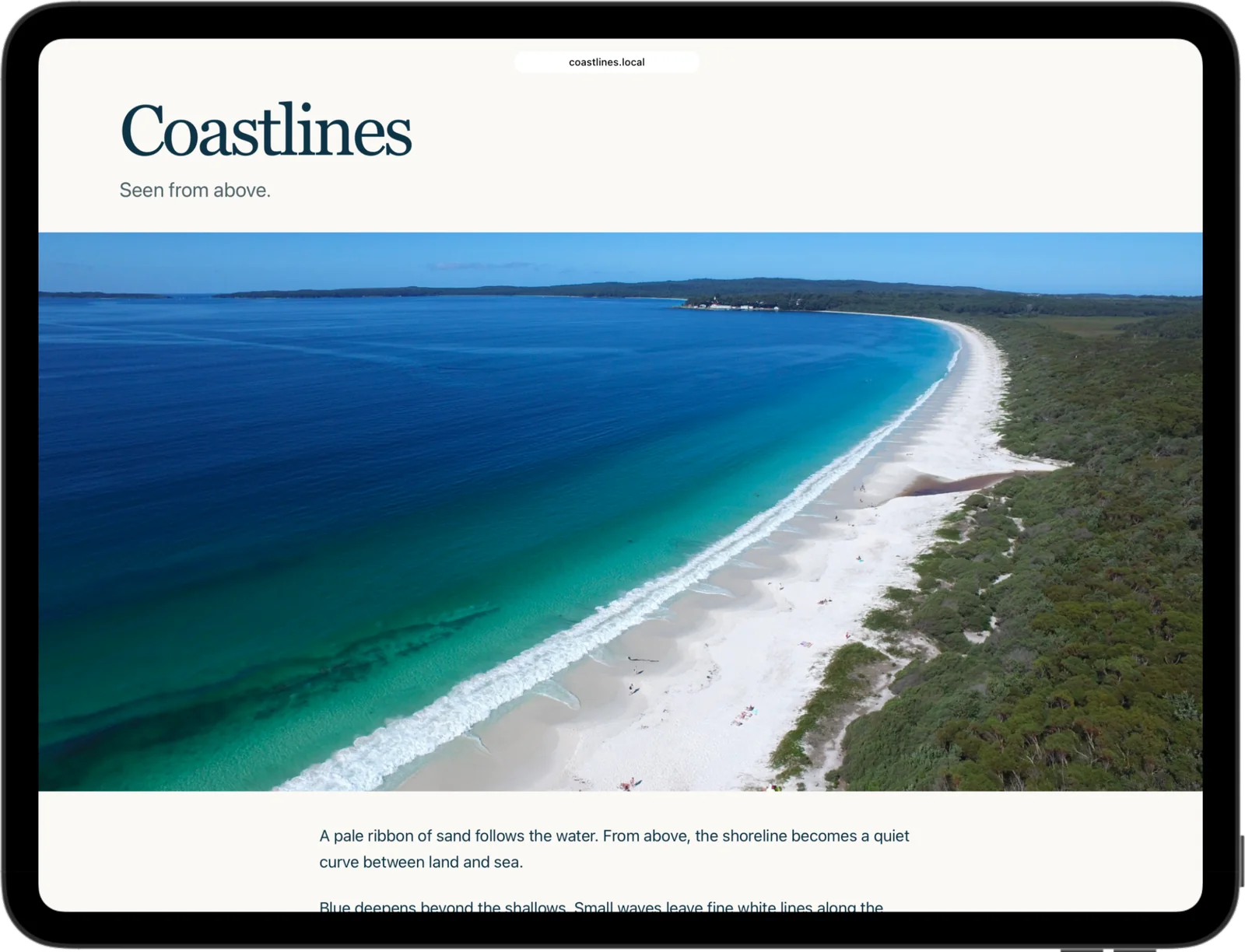
A pale ribbon of sand follows the water. From above, the shoreline becomes a quiet curve between land and sea.
Blue deepens beyond the shallows. Small waves leave fine white lines along the beach.
Further out, the colour settles into one long blue, broken only by the shadow of a passing cloud.
On the sand, footprints run in loose threads toward the water and back again.
By late afternoon the tide has drawn new lines, and the curve looks almost the same as it did in the morning.
Hyams Beach, Australia. Photo by Marco de Assis on Pexels.
Folded. Reading the third paragraph.
80 folds in a row. Seilo’s fold test opens and closes the screen eighty times on one page, and checks that it never reloads.
Tabs, bookmarks and history, together.
One overview holds everything you’ve opened. Tabs show page previews, bookmarks become shortcuts on your start page, and history is one swipe away. A fresh start page has no default links at all.
Coastlines
dvelop42
14:20
Tide times
Start page
- Coastlinescoastlines.local
- dvelop42dvelop42.com
- Tide timestide.example
- Today
- Coastlinescoastlines.local
- Seilo — More room for the webseilo.dvelop42.com
- Tide timestide.example
- dvelop42dvelop42.com
Type a little. Press Return.
Start typing a site you’ve visited and Seilo finishes the address for you. Press Return to go straight there. Anything else becomes a search with DuckDuckGo or Google, whichever you choose. Suggestions are worked out on your device.
Try typing co or dv, then press Return.
Private tabs, in darker glass.
Switch to private browsing and the capsule turns dark, with a moon. Private tabs aren’t saved for session restore, and closing them all discards their website data. Bookmarks and files you save on purpose stay.
Private browsing isn’t a VPN. Websites and networks can still see your activity.
Made for the screen in your hand.
iPhone, iPhone Duo and iPad, in portrait or landscape. Wider iPad windows add Forward and Reload next to Back. Seilo also runs on a Mac with Apple silicon and on Apple Vision Pro.
Nothing to sign up for.
Buy it once and start browsing. There’s no Seilo account, no subscription and no in-app purchase, and the App Store privacy label reads Data Not Collected.

- Price
- One purchase: ₩500 in Korea, ¥100 in Japan, C$0.49 in Canada, S$0.48 in Singapore. The App Store shows the final price for your region.
- Availability
- On the App Store in Korea, Japan, Canada and Singapore. Coming soon to the United States, at $0.49.
- Privacy
- Data Not Collected. No browsing-history server, advertising SDK or analytics SDK. Address suggestions are worked out on your device.
- Search
- DuckDuckGo or Google, your choice.
- Requires
- iOS 18 or iPadOS 18 or later. Also runs on a Mac with Apple silicon (macOS 15) and Apple Vision Pro (visionOS 2).
- Size
- 6.9 MB
- Languages
- English, Korean, Japanese
- Accessibility
- VoiceOver, Dynamic Type, Reduce Motion and keyboard shortcuts.
- Age rating
- 17+, as for any browser with unrestricted web access
- Version
- 1.2026.1
Questions
More in the Seilo support guide, in Korean, English, Japanese and French.
How do I move the address bar?
Drag it up or down. You can also choose its position in Settings, under Address bar.
How do I turn on Full immersive mode?
Hold the address bar and choose Full immersive mode, or switch it on in Settings. It also works on an empty start page.
Where are my tabs, bookmarks and history?
Tap the tabs button in the address bar. You can switch between regular and private browsing and open a new tab there too. Swipe a bookmark for Edit and Delete, and clear history by period in Settings.
What does private browsing protect?
Private tab addresses and history aren’t saved for session restore, and closing all private tabs discards that session’s website data. Bookmarks and files you save on purpose remain. It isn’t a VPN or an anonymizing service.
A website or sign-in isn’t working.
Reload the page, or hold the address bar to switch between the mobile and desktop website. Clearing website data in Settings may sign you out. If Apple Passwords doesn’t suggest an account, open the password list from the login field and choose a saved entry.
Can I see the introduction again?
Quickly tap About in Settings five times. Changes you make during the lesson don’t touch your saved settings.
How do I get a refund?
Request one through Apple’s Report a Problem page with the Apple Account you used to buy Seilo. See also Purchases and refunds.
How do I contact you?
Email dvelop42@gmail.com with your app version, device, iOS version and the steps that lead to the problem. Please don’t send passwords, verification codes or payment details.